

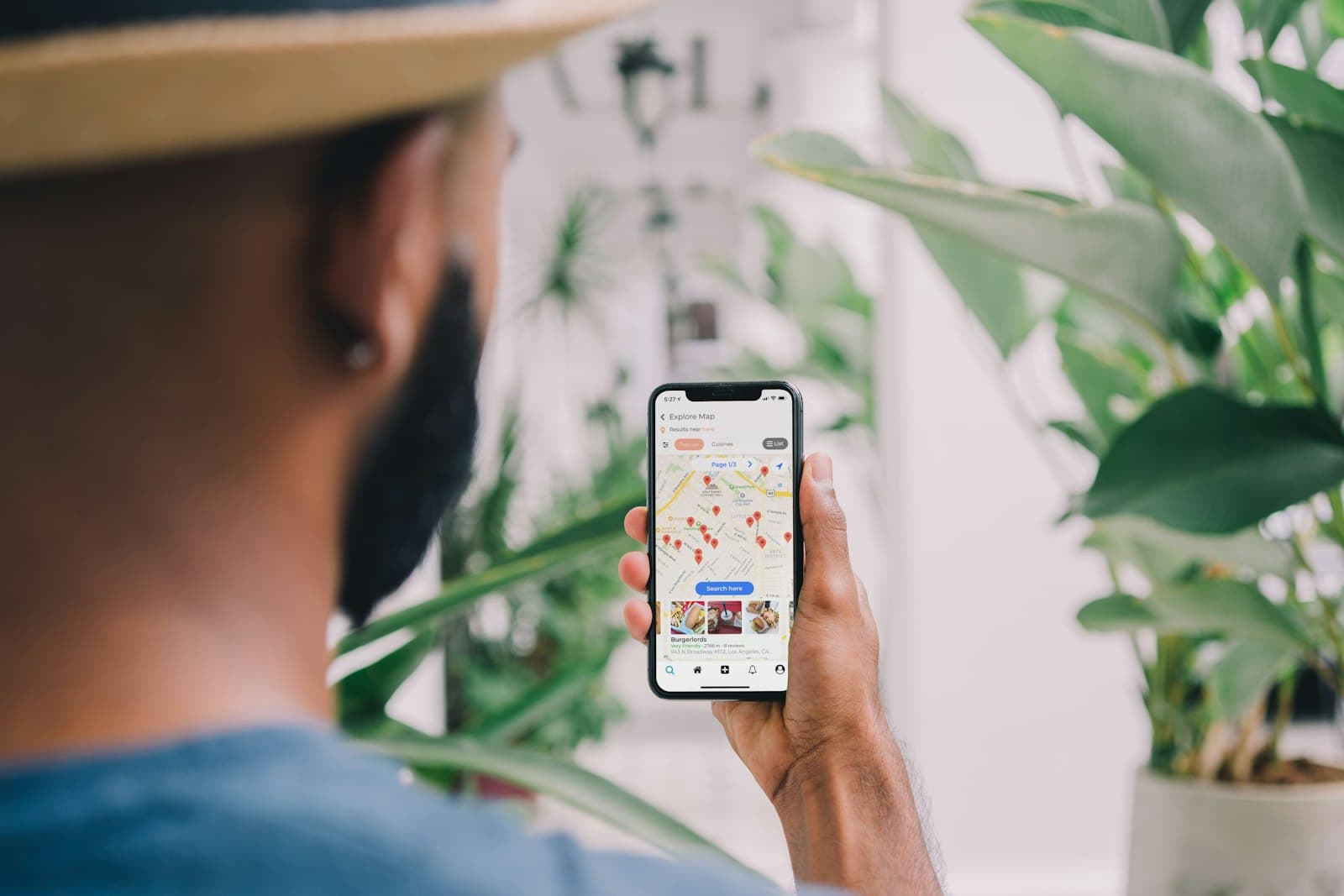
You rank on Google Maps by giving Google a profile it can trust: verified at an address it accepts, in the right category, under your real name, with complete details and a steady flow of genuine reviews. Google weighs all of that against how far you are from the person searching, which you can't change. Good local SEO services for UAE businesses spend their time on everything else.
This goes deeper than our local SEO overview. It covers the settings and policies that decide whether a profile ranks, stays live or gets suspended.
What local SEO for UAE businesses can and can't change
Google says local results are mainly based on relevance, distance and prominence. Read its help pages closely and four practical points follow:
- Verification counts. Google says verifying tells it you are authorised to represent the business, so the profile is more likely to show up.
- Completeness counts. Businesses with complete, accurate information are more likely to appear in local results, and Google says the categories you choose affect your local ranking.
- Prominence is earned. It draws on how many reviews you have and how many websites link to you. Google says there is no way to request or pay for a better local ranking.
- Distance is fixed. Your position changes as the searcher moves. A Business Bay office can rank well for searches made nearby and barely appear for the same search in Dubai Silicon Oasis. That is normal, not a penalty, so judge visibility from where your customers are, not from your desk.
Choose your primary category with care
Google's test is whether a category completes the sentence "this business IS a", not "this business HAS a".
- Be specific. Pick the most specific category for your core business; Google's own example is "Nail salon" rather than "Salon". It adds the broader categories behind the scenes.
- Add few extras. Additional categories are for genuine departments or main lines of business, such as a bakery counter inside a grocery store. Don't add a category for every service you sell, and never use categories as keywords.
- Decide before you verify. Adding or editing a category can trigger re-verification.
- Match your website. Google says it can also detect category information from your website and from mentions across the web, so describe yourself the same way everywhere.
Use the services list for detail. Where your category supports it, you can list services, including custom ones, but Google rejects custom service names that contain prices or phone numbers.
Which Dubai addresses qualify for a Business Profile?
Licence rules and Google's rules are separate. An address that satisfies DET or a free zone authority may still be ineligible on Google, which accepts only places where you actually serve customers or a service area you travel to.
| Your set-up | Can it show as a storefront? |
|---|---|
| Office, clinic or shop with permanent signage, staffed during opening hours | Yes |
| Office in a co-working space or business centre | Only with clear signage, customers received there and your own staff present during business hours |
| Virtual office or rented mailing address you don't work from | No |
| P.O. Box | No |
| Home base, and you visit clients | No, but you can list as a service-area business with the address hidden |
If your licence sits on a flexi-desk and you meet clients elsewhere, you are probably a service-area business on Google. Our guide to Ejari, flexi-desks and office requirements covers the licensing side.
Service-area businesses hide their address and choose up to 20 service areas by city, postal code or other area; a radius around the office isn't an option. Google says the whole area shouldn't extend beyond about two hours' drive from your base. Hybrid businesses, such as a restaurant that also delivers, can show the address and a service area.
Each branch gets its own profile, its own page on your website, and the same business name and main category as your other branches. With ten or more locations of one business, you can request bulk verification through Business Profile Manager, though service-area businesses aren't eligible for it.
Verification without the delays
Google chooses which verification methods you are offered, based on your business type, public information, region and hours, and you can't change them. To avoid starting again:
- Finalise name, address and category first. If you verify by postcard, editing any of them invalidates the code in the post. Codes usually arrive within 14 days and expire after 30.
- Use video if it's offered. Google recommends video verification where available. Be ready to show outside signage or a street sign, your equipment or branded materials, and proof that you run the place, such as keys or a staff-only area.
- Start live video calls during business hours, the only time they are available.
- Make sure a person answers phone verification. Automated phone menus can't receive the code.
- Verify your website in Search Console. Google lists this among the cases where it can verify a profile instantly.
- Allow time. Google's review of a verification can take up to five business days.
Your business name: the rule most profiles break
The name on your profile must be the one customers see on your signage, website and stationery. Google's list of what to leave out includes marketing taglines, locations, descriptions of your services, and legal terms such as LLC unless your real-world branding consistently shows them. Two rules matter especially in the UAE:
- One script. Google doesn't allow the same name repeated in two languages or scripts, even if your shop sign shows both. An English name followed by its Arabic version in the name field breaks the rule, so use the version customers know you by.
- Legal suffixes. Trade names often end in LLC, FZE or FZ-LLC. Leave the suffix off unless it is part of how you present the business everywhere, from signage to invoices.
Adding unnecessary words to the name can get a profile suspended. Keyword-stuffed names are also among the easiest violations to spot on competitors' profiles, which comes up below.
Fill in what customers check before they visit
- Photos. Show the entrance so people recognise it, then the inside, the team and the work. Google's specifications are JPG or PNG files of 10 KB to 5 MB, ideally 720 by 720 pixels, in focus and without heavy filters. Videos can run up to 30 seconds. Nothing shows until the profile is verified.
- Posts. Updates, offers and events appear on your profile and can be scheduled. Posts older than six months are archived unless they have a date range.
- Products. Google's in-store products feature is limited to retailers in the US, Canada, the UK and Ireland, so most UAE businesses get more from a complete services list.
- Hours. Set special hours for Ramadan, Eid and public holidays. Wrong hours mean wasted trips and angry reviews.
- Phone. Use a local number that reaches the location and that you control, rather than a central call-centre line.
Reviews: a steady flow, inside the rules
Google says more reviews and positive ratings can help your local ranking. How you collect them matters as much as how many you get:
- Create a review link or QR code from your profile and send it after every job.
- Ask everyone. Discouraging negative reviews or asking only happy customers is prohibited.
- Offer no incentive, including a discount for a review or for changing a bad one.
- Take no reviews from staff, former staff or relatives: Google treats them as a conflict of interest.
- Don't push people to review you on the premises, or tell them what to write.
- Avoid bursts. Google's policy lists unusual volumes or patterns of reviews as a sign of manipulation, so messaging your whole contact list in one afternoon can do more harm than good.
Reply briefly and personally, never with promotions, and never reveal a customer's details. If someone threatens you with bad reviews unless you pay, Google has a separate report for negative review extortion.
Dealing with spam competitors
Fake listings, keyword-stuffed names and profiles at virtual offices take positions from real businesses, and Google lets anyone report them:
- In Google Maps, open the listing, choose Suggest an edit, then Place is closed or not here, and pick Offensive, harmful, or misleading or Doesn't exist here.
- For misleading names, phone numbers or websites that suggest fraud, use Google's Business Redressal Complaint form. You can report ten or more profiles at once with a spreadsheet.
- For a business paying for reviews, use Report business conduct, found under Suggest an edit in the Maps app.
Report facts, with screenshots, and leave it there. Posting negative content on a competitor's listing breaks the same policies you are reporting.
Measure what the profile brings in
Your profile's performance view shows the searches people used to find you (updated monthly), profile views, calls, direction requests, website clicks and, if you take bookings through a provider, bookings. Add a UTM tag to the website link on your profile so Google Analytics can separate those visits from other organic traffic. Judge trends over months, not days.
Maps is one channel. Your website still has to win the searches that don't show a map, as our guide to SEO for small businesses in Dubai explains. Profile data also travels: Google says Business Profiles help businesses appear in its AI answers, and other assistants draw on business listings too, which our guide to AI search optimisation covers.
If your profile is suspended, stuck in verification or outranked by obvious spam, our local SEO team can work through it with you.
Sources
- Google Business Profile Help: Tips to improve your local ranking
- Google Business Profile Help: Guidelines for representing your business on Google
- Google Business Profile Help: Verify your business on Google
- Google Business Profile Help: Manage your service areas
- Google Maps: Prohibited and restricted content
- Google Maps Help: Report a business on Google Maps
Frequently asked questions
Can I list my home address on Google Maps?
Can I have a separate profile for each emirate I serve?
Can I change my business name on Google after a rebrand?
What should I do about a fake negative review?
Found this useful? Pass it on.